
iPhone 18 Pro, 18 Pro Max & iPhone Duo: Get Wireless CarPlay in Your Car
So Apple's new iPhones are out, and the question we keep getting is a simple one: will my iPhone 18 Pro work with CarPlay in my car? If your car has an old factory stereo, or a screen that only does CarPlay over a cable, you're in luck. Below we go through what works with the iPhone 18 Pro, what we know about the iPhone Duo so far, and how to get wireless CarPlay and Android Auto into the car you've already got.
The short answer
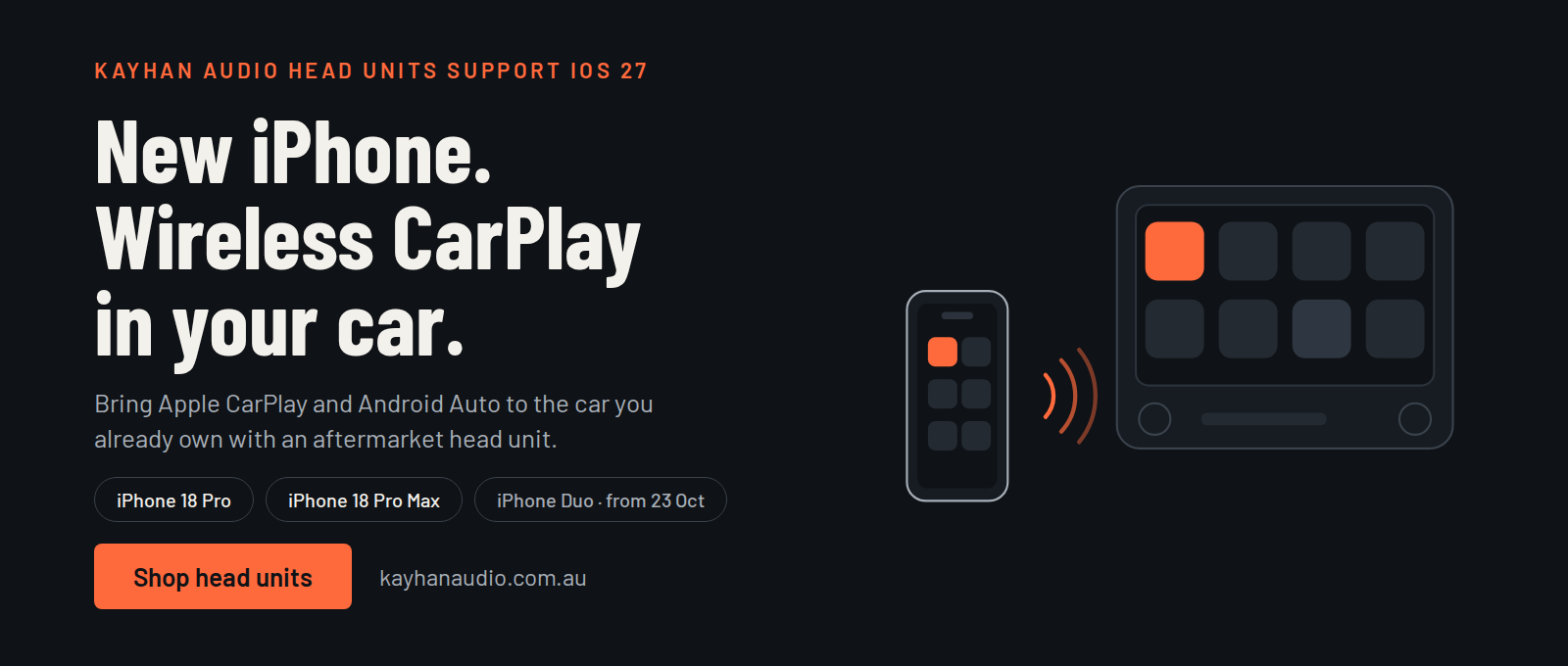
- iPhone 18 Pro and 18 Pro Max: both run iOS 27, and our head units and wireless CarPlay modules support it.
- iPhone Duo: it runs iOS 27 too, so we expect it to be fine, but we'll test it properly once it lands on 23 October.
- You don't need a new car. A head unit or a wireless CarPlay module does the job.
Does the iPhone 18 Pro work with wireless CarPlay?
Short version: yes. CarPlay is really just software on your iPhone that gets drawn on your car's screen. So what counts is the iOS version on your phone and the head unit it's talking to. The iPhone 18 Pro and iPhone 18 Pro Max both run iOS 27, and our head units and wireless CarPlay modules support iOS 27.
That covers wireless CarPlay on the iPhone 18 Pro Max too. Wireless CarPlay pairs over Bluetooth, then uses Wi-Fi to send maps, music and calls to the screen. Pair it once and your phone connects itself whenever you start the car. There's nothing to plug in and no cable snaking across the dash.
iPhone Duo CarPlay: what we know so far
The iPhone Duo is Apple's first foldable. Pre-orders open on Friday, 16 October, and it's in shops from Friday, 23 October. It runs iOS 27, same as the 18 Pro range. CarPlay shows up on your car's screen, not the phone's, so we'd be surprised if the fold made any difference.
Still, we'd rather not promise what we haven't tried. When we get our hands on a Duo we'll test it on our units, then come back and update this page.
What Apple launched, and when
- iPhone 18 Pro and 18 Pro Max: on sale from Friday, 18 September
- iOS 27: out on Tuesday, 15 September, free for iPhone 11 and later
- iPhone Duo: pre-orders from Friday, 16 October, in shops on 23 October
That iOS 27 line is the useful one if you're not buying a new phone. If you've got an iPhone 11 or newer, you can update and use wireless CarPlay without spending a cent on hardware.
Why bother with an aftermarket CarPlay head unit?
A lot of cars on Australian roads shipped without CarPlay. Others have it, but only over a cable and on a screen that's a bit on the small side. A CarPlay head unit fixes that without you having to buy a different car.
For most people the biggest win is wireless. You hop in and your phone connects. That sounds minor until you're doing five short trips in a day. Then there's the screen, which is usually bigger and brighter than the factory one, so maps and messages are easier to read. Siri can handle calls, directions and texts so your eyes stay on the road. And because our units also support Android Auto, it doesn't matter whether the next person behind the wheel has an iPhone or an Android phone.
Wireless or wired CarPlay: is wireless worth it?
Wired CarPlay is fine if you're plugging your phone in to charge anyway. Wireless is nicer for the everyday stuff: the quick run to the shops, the school drop-off, anywhere you can't be bothered fishing out a cable. The trade-off is that a wireless connection can use a bit more battery on a long drive, so a car charger or charging pad is still handy. For most everyday driving, we think wireless is the better way to go.
Wireless CarPlay head unit or wireless CarPlay module?
There are two ways to get there, and which one suits you depends on what your car has now.
A head unit replaces the factory screen. If your car has an older or basic stereo, this is usually the way to go, because you get a modern touchscreen with wireless CarPlay and Android Auto in one hit.
A wireless CarPlay module is for cars that already support CarPlay over a cable. It can let you ditch the cable and keep your factory screen. We stock both.
Not sure which one fits your car? Ring us on 1300 696 488 with your make, model and year and we'll tell you.
How to choose a car stereo upgrade in Australia
Here's what we'd check before buying, in roughly this order.
- Fit. Make sure the unit is made for your make, model and year, otherwise it won't sit right in the dash.
- Wireless. If you hate cables, look for wireless support for both CarPlay and Android Auto.
- Screen. Size and brightness matter more than you'd think, especially on a sunny day.
- What you use now. Steering wheel controls and a reverse camera are the big two. Check your new unit supports them before you order.
- Sound. A new head unit can only do so much with tired speakers. Better speakers, an amplifier and a tweeter mount make a real difference, and we also do digital instrument clusters and steering wheels if you fancy a bigger refresh.
How to set up wireless CarPlay with your new iPhone
Setup is pretty simple.
- Update your iPhone to iOS 27 (Settings, then General, then Software Update).
- Turn Bluetooth and Wi-Fi on.
- Start the car and open the wireless CarPlay option on your head unit.
- Pair your iPhone, follow the prompts and allow CarPlay when it asks.
After that, your phone should connect by itself each time you start the car. It's worth keeping your head unit's software up to date too, and if you get stuck, just give us a call.
iPhone 18 Pro CarPlay: frequently asked questions
Will the iPhone 18 Pro work with a Kayhan Audio head unit?
Yes. It runs iOS 27, which our head units and wireless CarPlay modules support.
Does the iPhone 18 Pro Max support wireless CarPlay?
Same story as the 18 Pro. It runs iOS 27 too, so it works with our wireless CarPlay units.
Does the iPhone Duo work with CarPlay?
We expect so, since it runs iOS 27, but we haven't tested one yet. It goes on sale on 23 October and we'll update this page after we've tried it.
Which iPhones work with iOS 27 CarPlay?
Anything from the iPhone 11 up. That's what iOS 27 supports, so most recent iPhones will work with our head units.
Do I need a new head unit for a new iPhone?
Not if your unit already does wireless CarPlay on iOS 27. Your new phone will just connect.
Does Kayhan Audio support Android Auto?
Yes, our head units do both CarPlay and Android Auto.
Can I add wireless CarPlay to a car with a factory screen?
Often you can. If your factory screen supports CarPlay over a cable, a wireless CarPlay module may get rid of the cable. Tell us your make, model and year and we'll check.
Buy your CarPlay head unit from Kayhan Audio
We're an Australian aftermarket car electronics retailer. Head units and wireless CarPlay and Android Auto modules are our thing, along with digital instrument clusters, steering wheels, speakers and amplifiers. We ship worldwide and our customer support is open 24/7.
Call 1300 696 488 or visit us at Unit 3, 151 Dohertys Rd, Laverton North. Open Wednesday to Monday 9:00 AM to 6:00 PM, and Tuesday 9:00 AM to 5:00 PM.